





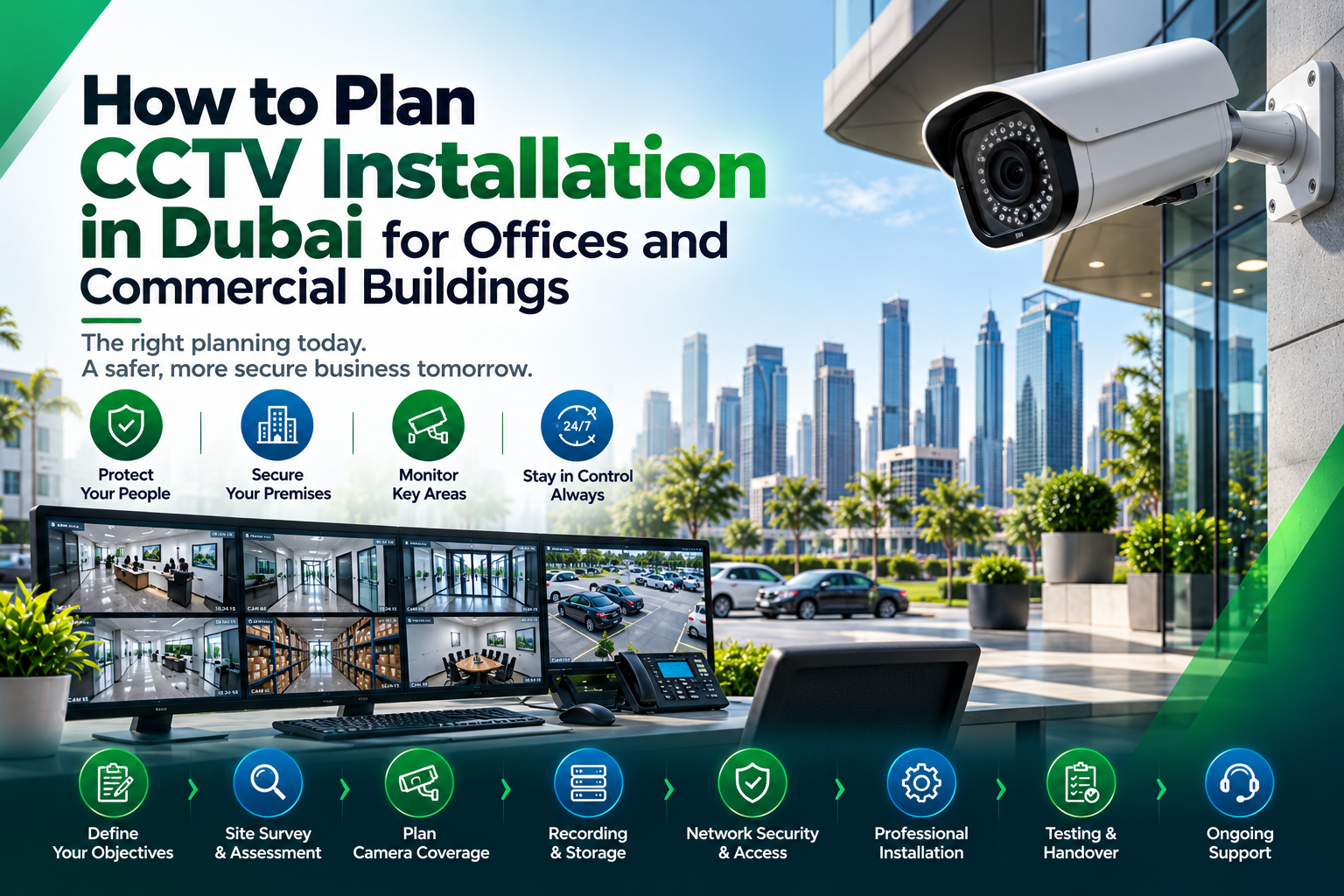
How to Plan CCTV Installation in Dubai for Offices and Commercial Buildings
An incident takes place close to your office entrance. You review the CCTV, but the camera is mounted too high, the image is drowned out by the glare of the sun or the recording has been wiped.
The cameras were installed, but the overall plan was not worked through.
Good CCTV installation in Dubai begins with defining what you want to see, where you want to see it and how the recordings will be managed. The choice of cameras comes later.
Whether you occupy an office, showroom, warehouse or commercial building, we outline the considerations when planning what you want to see.
1. Define Your Security Objectives
Before considering how many cameras you might want, define what you expect the system to help you with.
A good starting point might be what is important to you within your office – entrances and reception for an office, but loading bays, inventory and deliveries for a warehouse. For a commercial building, it might involve understanding how tenants use the space and any coordination between your staff and their personnel.
Consider:
- Where people tend to come and go.
- Where valuable equipment or goods are stored.
- Unattended areas outside your working hours.
- Where incidents or concerns have happened.
- Who will view the images and how they might respond.
Be precise. It is one thing to be able to observe general movement in a room, quite another to see someone come into your office.
2. Confirm Applicable Requirements in Dubai
Compliance should be considered before making any purchasing decisions or installations.
Dubai’s Security Industry Regulatory Agency, or SIRA, offers security plan certification services to relevant facilities and buildings, and a directory of approved security system providers. Determine what applies to your premises or activity with the relevant authority and approved provider.
Ask who will handle any associated plans, submissions, inspections and documentation. This is also an opportunity to discuss responsibilities between your business, landlord, building and their management. Cameras covering shared areas may be operated separately to those within your office.
Do not try to interpret requirements based on another business’s camera layout, recording periods or other considerations.
3. Arrange a Detailed Site Survey
A good quotation follows from a detailed site survey.
As your installer surveys the entrances, corridors, reception, storerooms and parking areas you have identified, pay attention to lighting conditions. Glass-fronted entrances, sun glare, shade and other effects can impact on what a camera sees.
The survey should cover:
- Mounting positions and viewing angles.
- Obstructions and blind spots.
- Cable runs and access for installation.
- Network and power availability.
- Recorder and cabinet locations.
- Outdoor exposure and protection.
If planning CCTV installation in Dubai for your office, make arrangements with your fit-out team ahead of time. It is easier to avoid the disruption of ceilings, plasterboard and other finishes if planning ahead.
4. Plan Camera Coverage
The layout of your cameras should reflect what each one is intended to see. For example, a camera at the entrance might benefit from useful detail on people arriving, while a wider shot of the reception area helps to set the scene.
|
Area |
Planning consideration |
|
Entrances and exits |
Viewing direction, lighting and detail |
|
Reception |
Visitor and reception activity |
|
Corridors |
Between key areas and blind spots |
|
Stockrooms |
Access points and goods movement |
|
Loading bays |
Delivery activity, vehicle positioning and obstructions |
|
Parking areas |
Coverage, lighting and mounting |
Discuss privacy boundaries, making sure that views are limited to legitimate areas of interest and any requirements concerning signs, restricted areas and neighbouring premises.
5. Choose Cameras for Each Location
Not every camera can be specified by its resolution alone.
Ask your installer to explain the proposed lenses, viewing angles, mounting height, sensitivity to light levels and performance in bright conditions.
For commercial CCTV installation in Dubai, different locations may need different types of camera. A protected indoor corridor and an exposed loading bay have very different requirements.
Where outdoor cameras are proposed, confirm that their intended use matches the specified operating conditions.
Ask for model numbers in the quotation. If analytics features are proposed, request a demonstration of the intended function and any limitations or additional licences that might be necessary.
6. Plan Recording and Storage
A camera system will need appropriate storage for the recordings it makes.
Storage requirements are affected by the number of cameras, their resolution, frame rates, recording schedules and other considerations such as compression and the activity within the field of view.
Before finalising the proposal, ask:
- What period of recording has been proposed?
- How was the storage capacity calculated?
- Are recordings continuous or triggered?
- What happens when the storage is full?
- How can failures in recording be identified?
- How will recordings be exported by authorised personnel?
Confirm the relevant requirements for retention of recordings at your premises before finalising the capacity.
The recorder itself should be located in an appropriate, secure position. Discuss any requirements for backup power and recovery according to your operational needs.
7. Consider Network Security and Access
An IP-based camera system fits into your overall technology environment.
Make arrangements for switch ports, bandwidth, cabling and Power over Ethernet where necessary. Ask about isolating CCTV traffic from guest access and regular office use.
Access to live views, recording and exports should be limited to authorised users.
Ask how the system will manage:
- User accounts and permissions.
- Administrator account security.
- Remote viewing security.
- Software and firmware updates.
- Backups of system configuration.
- Removal of access with departing employees.
Remote access should be established with specific consideration given to ongoing responsibility for its management.
8. Agree Installation, Testing and Handover
Your installer’s schedule should allow for working hours at your office or building and any disruption to your staff or customers.
Before accepting the system, ensure that every camera serves its intended purpose.
Confirm live images and recorded playback under relevant lighting conditions. Check timestamps, recording schedules, user permissions and export capabilities.
Being able to see a clear image on a monitor does not guarantee that you will be able to retrieve the recording.
At handover, request:
- Updated layout of camera positions.
- Equipment specifications, models and warranty.
- Information on recordings and configuration.
- Secure transfer of access credentials.
- Operating instructions and staff training.
- Relevant test and approval documentation.
Agree how any outstanding matters might be resolved.
What Influences Costs of CCTV Installation in Dubai?
These will vary according to quantities, equipment specifications, storage, cable runs, mounting access and other requirements.
Compare quotations against the same scope, confirming that network equipment, hard drives, configuration, testing, training and approval work are all included.
Ask about maintenance, including cleaning of cameras, verification of recordings, fault response and replacement of equipment. An Annual Maintenance Contract can help to define these responsibilities, but its scope should be carefully considered before signing.
Plan Your CCTV Installation With Plexus Priming
Plexus Priming provides CCTV surveillance and associated networking and security services in Dubai and across the UAE including consultation, equipment supply, installation, integration and maintenance.
Planning CCTV installation in Dubai for your office or commercial building? Share your floor plan, premises type, areas of concern and intended completion date.
Our team can discuss your requirements and assist in planning suitable coverage, recording and support.
Email: sales@plexuspriming.com
Phone: +971 52 834 1498
Website: www.plexuspriming.com